
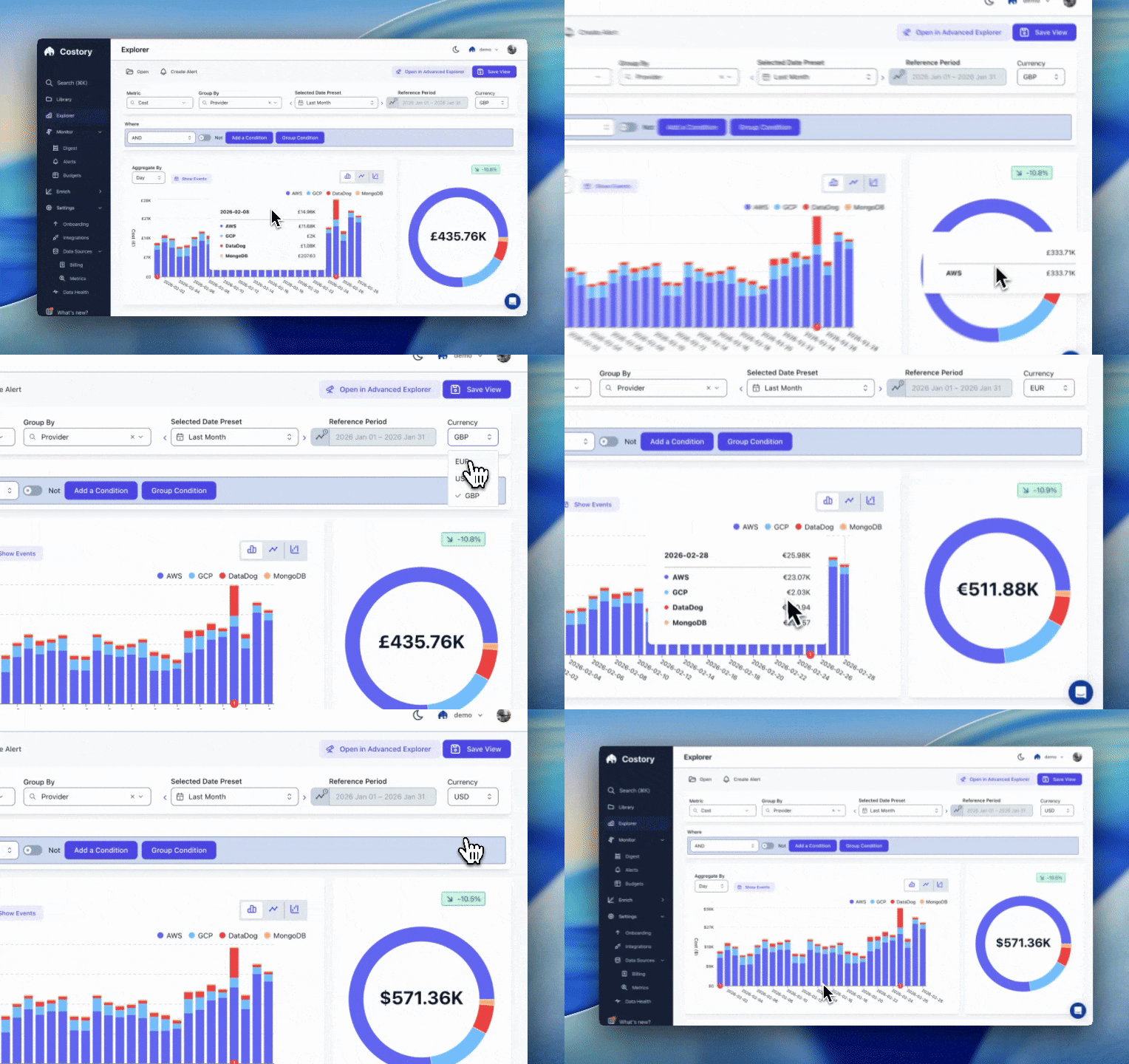
Cloud cost currency conversion lets you compare AWS, GCP, Azure, and Datadog spend in a single reporting currency.
Supported currencies
Costory supports the following reporting currencies today:- USD
- EUR
- GBP
Need another currency? Contact Costory support and we will confirm coverage and timing.
Set your reporting currency in Costory
1
Open Settings
In Costory, open Settings for your organization.
2
Choose a reporting currency
Select Reporting currency and choose USD, EUR, or GBP.
3
Save and refresh reports
Newly processed data, dashboards, and exports will use the selected currency.
Provider-specific conversion rules
FAQ
When does the exchange rate update?
When does the exchange rate update?
For providers that include a rate in the export (GCP and Azure), Costory
follows the provider cadence. For AWS and Datadog, Costory refreshes
estimated rates as new billing data is ingested, and AWS rates are finalized
to the invoice-date rate once the invoice closes.
How accurate is the estimated rate?
How accurate is the estimated rate?
Estimated rates come from Google Finance and are intended for directional
reporting. The final AWS invoice rate can differ.