
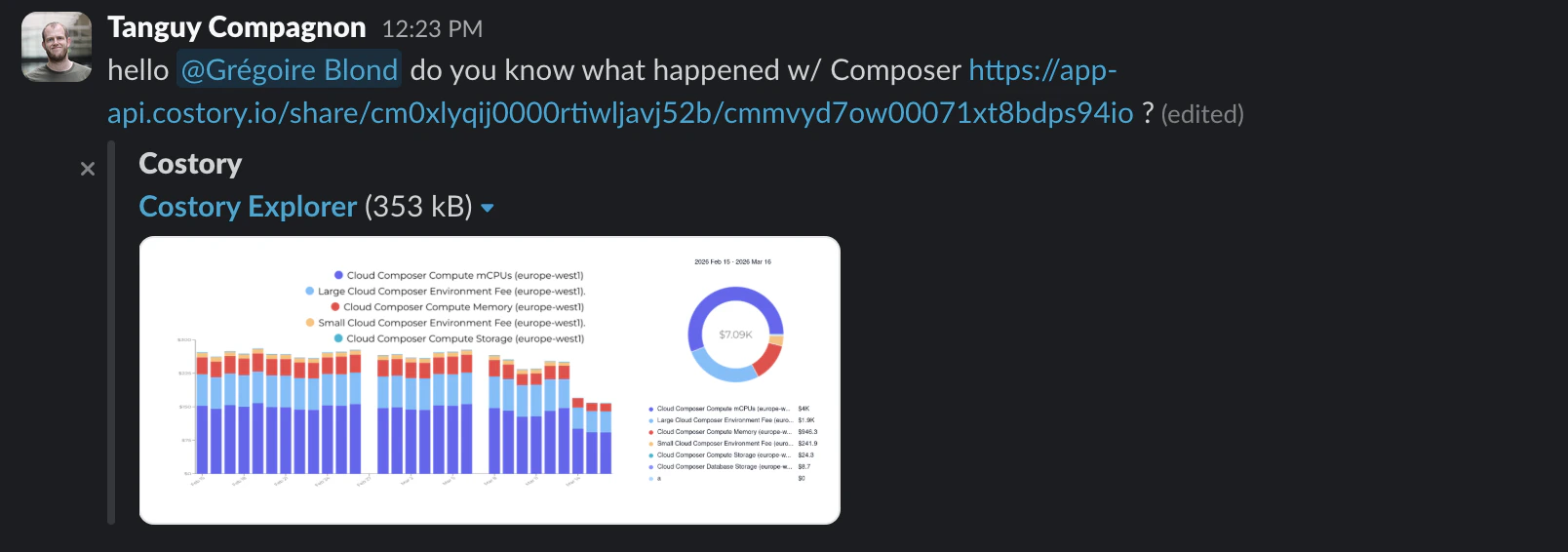
Quick Share creates a link to cost context you can send to teammates or external collaborators
When to use Quick Share
Use Quick Share for short-lived collaboration:- Send a dashboard widget to a teammate during a cost investigation
- Add cost context to a Slack or Microsoft Teams thread
- Link the cost impact of a change in a pull request
- Hand off a dashboard view to an on-call engineer during incident triage
- Share a budget or migration review snapshot with stakeholders who do not need recurring delivery
Share dashboard context
1
Open the dashboard
Navigate to the dashboard or widget you want to share.
2
Review the context
Confirm the dashboard filters, widget filters, date range, comparison period, and event context are safe to share.
3
Generate the link
Click Quick Share or use the sharing action from the widget menu.
4
Send the link
Paste the link in Slack, Microsoft Teams, a pull request, an incident thread, or email.
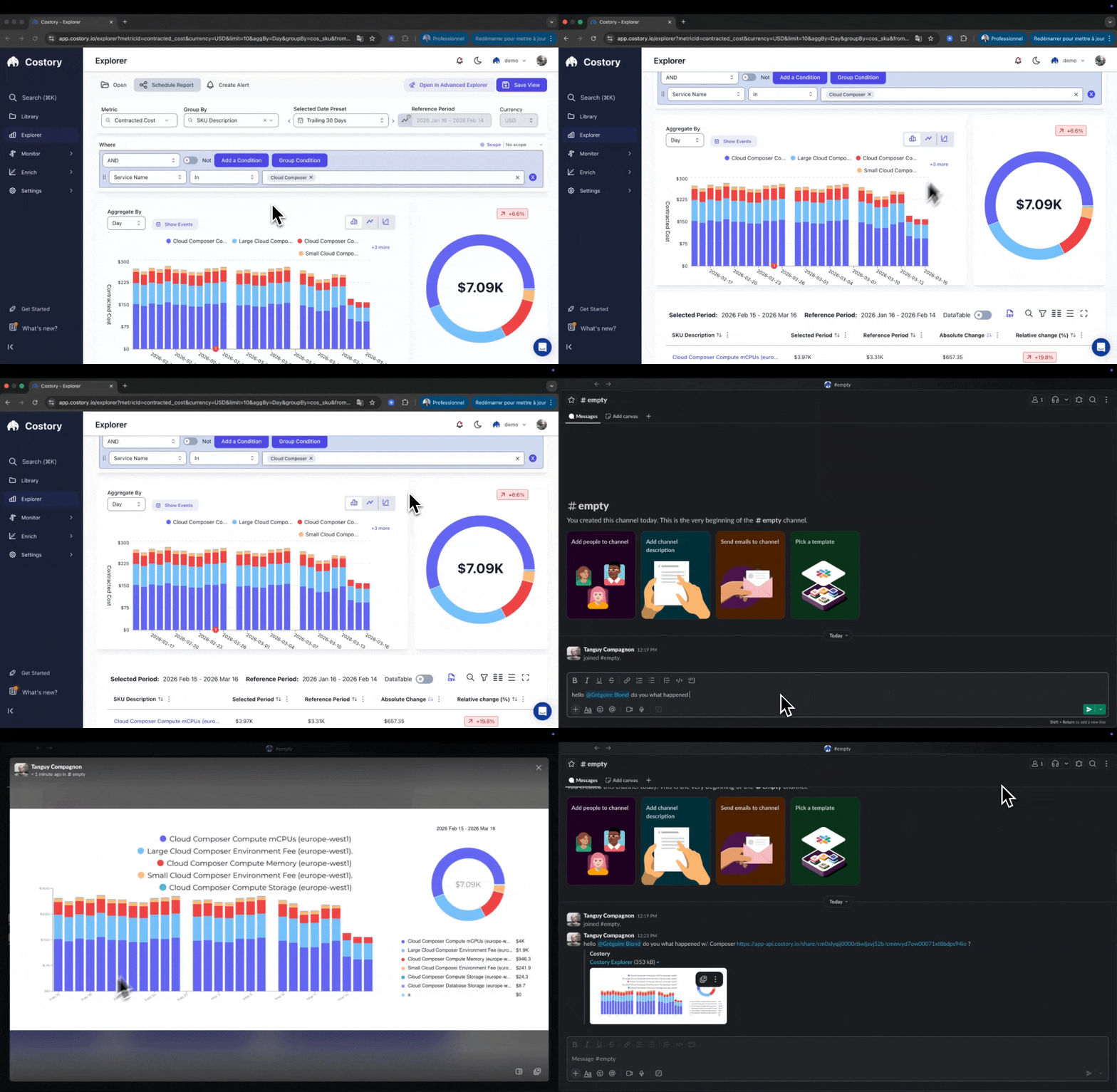
Sharing cost context with Quick Share
Quick Share compared with other sharing options
Security and privacy
Quick Share links are publicly accessible URLs. Anyone with the link can view the shared cost context without logging in to Costory.- Shared links expire after 90 days.
- Recipients cannot modify the original dashboard or widget.
- Treat shared links like public document links.
Frequently asked questions
Related links
Dashboards
Build the dashboard or widget you want to share.
Create and organize dashboards
Create dashboards from Explorer or an empty canvas.
Cost Reports
Schedule recurring cost snapshots to Slack, Teams, or email.
Digest
Share automated cost-change analysis.