
BigQuery data exports
BigQuery data exports let Copilot Pro organizations query the cost data behind their dashboard widgets from their own BigQuery project. Use them to connect Looker, notebooks, dbt, or custom SQL without rebuilding dashboard filters by hand.BigQuery data exports are available on Copilot Pro.
How it works
An Organization Admin configures access under Integrations > Destinations. After access is granted, analysts can copy SQL from any dashboard widget and run it against the Costory export table in BigQuery. The copied SQL matches the dashboard widget configuration, including the metric, filters, group-by, and date range.Prerequisites
- A Costory organization on Copilot Pro
- Organization Admin access in Costory to manage Integrations > Destinations
- A BigQuery user or service account that should run the exported queries
- At least one dashboard widget with the cost view you want to query
Grant access to the export table
1
Open Destinations
In Costory, go to Integrations > Destinations.
2
Open the BigQuery export destination
Select the BigQuery data export destination for your organization.
3
Grant read access
Add the BigQuery user or service account that should query the export table.
4
Save the destination
Save the destination settings. The user or service account can now run copied dashboard queries against the export table.
Copy SQL from a dashboard widget
1
Open the dashboard
Open the dashboard that contains the widget you want to analyze outside Costory.
2
Open widget actions
Click the widget action menu.
3
Copy the query
Click Copy SQL query.
4
Run the query
Paste the SQL into BigQuery, Looker, a notebook, or another tool that can query BigQuery.
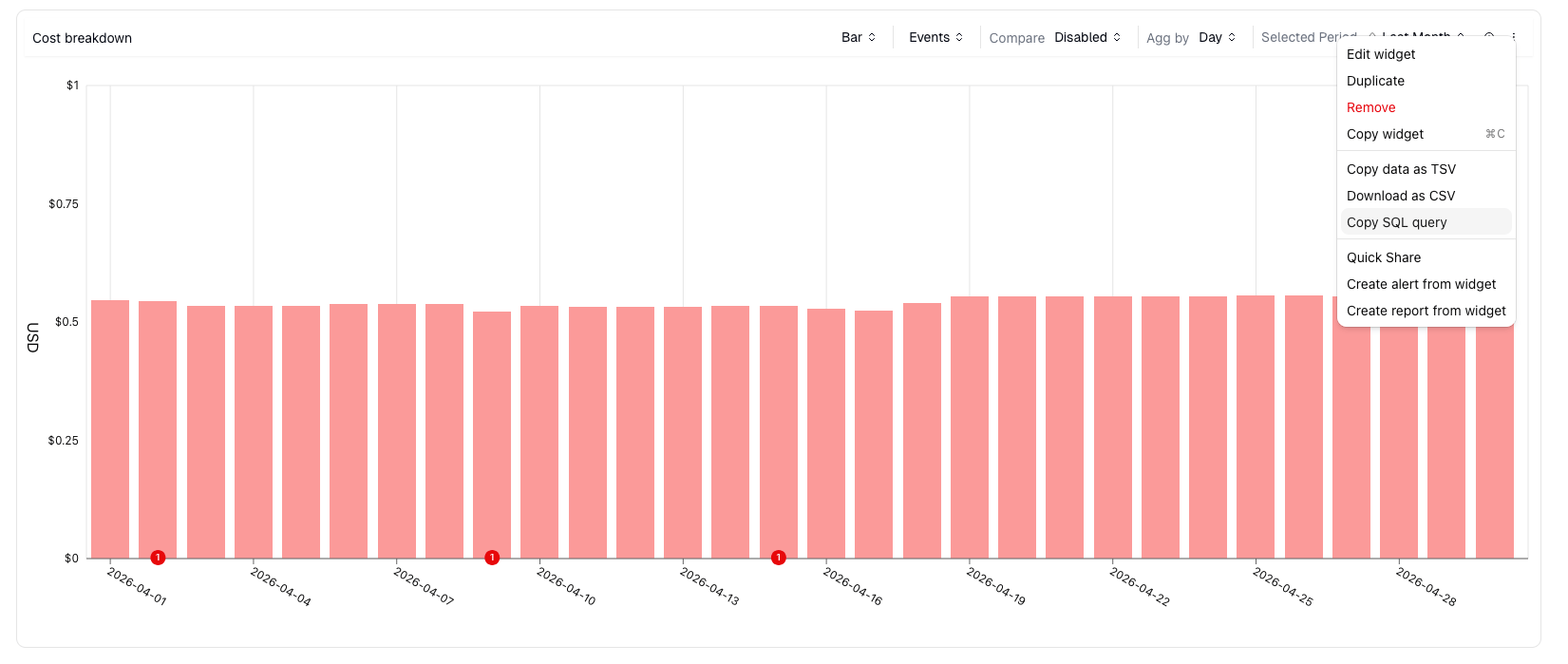
Copy SQL query from a dashboard widget
Permissions
FAQ
Does this replace billing data setup?
Does this replace billing data setup?
No. BigQuery data exports are for querying Costory data outside Costory. You still need to connect billing data first through Billing Data.
Can I copy SQL from Explorer?
Can I copy SQL from Explorer?
The copy action is available on dashboard widgets. To reuse an Explorer query, save it as a dashboard widget first.
Does the SQL include dashboard filters?
Does the SQL include dashboard filters?
Yes. The copied SQL matches the widget configuration, including filters, group-by, metric, and date range.
Next steps
Dashboards
Build the dashboard widgets you want to query from BigQuery
Billing Data
Connect cloud billing data before exporting Costory data