
- Overlay a business counter (orders, jobs, active tenants) that only your app computes, then chart such as cost per order
- Drive shared cost allocation from a usage key you already emit
- Backfill historical hourly points onto the same path your hourly job uses
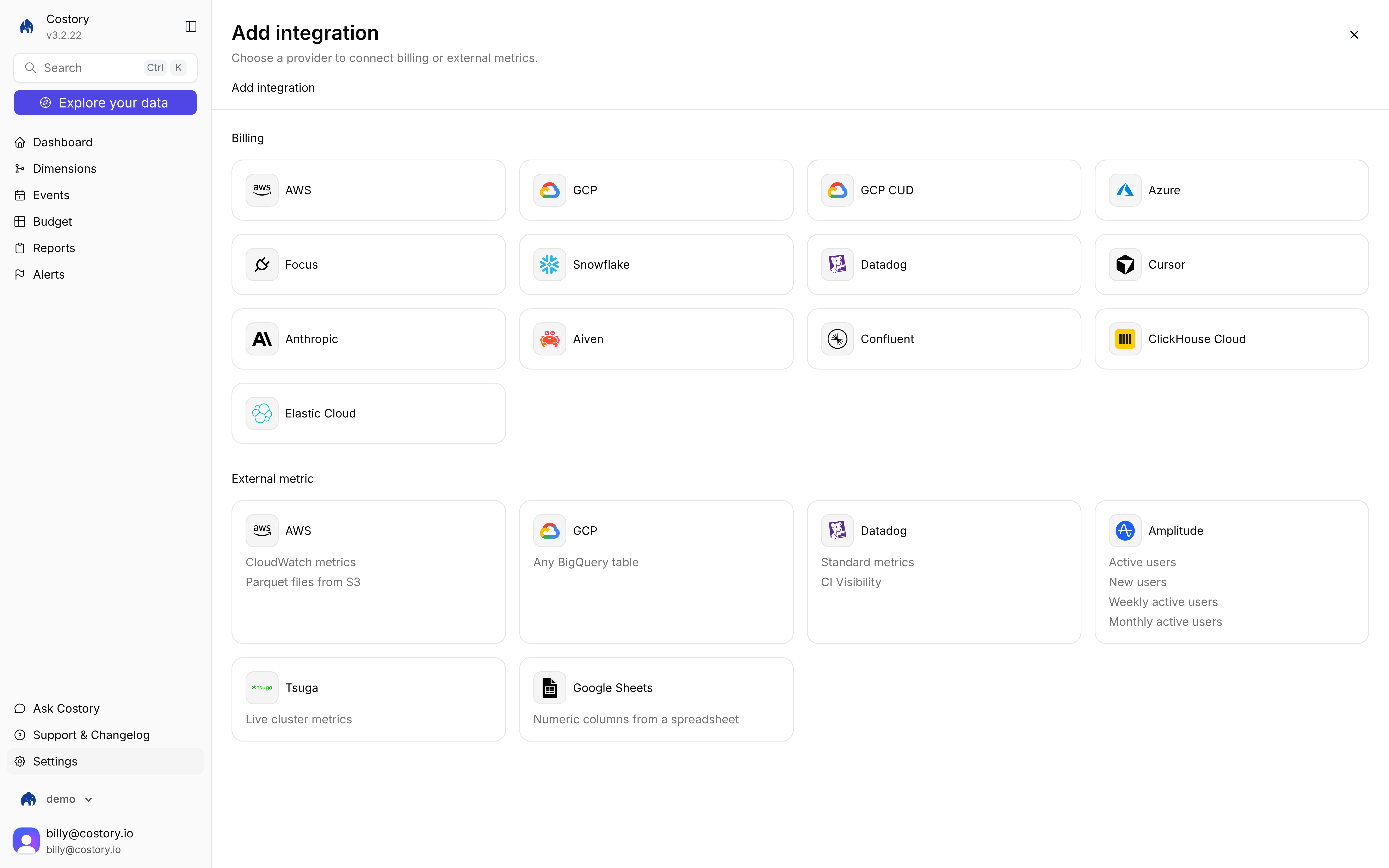
Add integration, External metric tiles
Before you begin, make sure you have:
- Admin access in Costory (creating the integration is admin-only)
- An organization API key (
ak_*) from API Keys. User keys and browser sessions return 401 on ingest - Metrics already aggregated to the hour. Costory truncates every timestamp to the hour in UTC
- Manual setup
- Terraform
1
Create an organization API key
Open API Keys from the menu next to your name. Create an organization token (admins only). Store it as
COSTORY_ORG_API_KEY. User-scoped tokens and session cookies cannot ingest points. See API overview.2
Open Custom metrics
Go to Integrations, click + Add integration, then under External metric choose Custom metrics. The tile is Hourly points you push over HTTP. The connect URL is
/integration/new/custom-metrics/push. 3
Name the connection
Set Connection name (default Custom metrics), then click Save connection. There is no Validate step. Costory creates an empty table for this integration. No vendor credentials.
4
Copy the ingest details
After save, Costory shows Custom metrics is ready, the Integration id, and a curl example. Keep the id. You can open Show details later from the integration menu.
5
POST hourly points
Send one or more points to A successful write returns
POST /integrations/:id/metrics/points. Hourly jobs send one point. Backfill sends up to 10,000 on the same path.202 with inserted (rows after in-batch dedupe) and truncatedHours (distinct hour buckets written).6
Refresh the catalog
Ingest does not update the metric picker. After the first push, open the integration menu and click Refresh metrics. New metric names and tag keys appear in Advanced Explorer after that refresh. Metrics that stop reporting stay in the catalog so saved queries keep resolving.
7
Query in Advanced Explorer
Click Explore your data, switch to Advanced, then + Add Metric. Open integrations and pick the Custom metrics source. Group by tag keys from the points you pushed. See Query after you connect.
Point payload
Each request body is{ "points": [ ... ] } with 1 to 10,000 points.Tag keys become Explorer group-bys. A key such as
env-name is rejected because it is not a valid identifier.The last write for the same metric_name, hour, and tags wins. If one request repeats that key, the last array element is kept. Retrying a failed request can insert duplicates. Query-time last-write-wins hides them.Python example
After you save
On the source row menu you can:- Show details (integration id and curl again)
- Refresh metrics (catalog only, admin)
- Remove Custom metrics integration (admin). Removal drops the table and catalog rows for that integration.
list_metrics returns the catalog, and query accepts { type: "externalMetric", integrationId, metricName }.Tag filters (
conditions) are not available on Custom metrics in this version. Split series with group-by on tag keys instead.Prometheus
Costory does not speak Prometheus remote-write. Run a sidecar next to Prometheus that maps name, timestamp, labels, and value onto this POST. Preaggregate to the hour before you send. Cron and sidecars must use the organization API key, not a session cookie.FAQ
Why do I get 401 when I POST points?
Why do I get 401 when I POST points?
The ingest path accepts only a Clerk organization API key (
ak_* with an org_* subject). User API keys, session JWTs, and Swagger session auth return 401, even for admins. Create the token under API Keys as an organization token. See API overview.I pushed points but Advanced Explorer is empty.
I pushed points but Advanced Explorer is empty.
Click Refresh metrics on the integration menu. The catalog is not updated on ingest. Then pick the Custom metrics source under integrations and confirm the Period covers hours you wrote.
Can I send second-level timestamps?
Can I send second-level timestamps?
Yes. Costory truncates them to the hour in UTC. Preaggregate in your job if several samples in the same hour should not collapse to the last write.
Can I send Unix seconds?
Can I send Unix seconds?
No. A numeric
ts must be epoch milliseconds (12+ digits after 2001). Seconds look like 1750000000 and are rejected so they are not stored as 1970.What happens if I push the same hour twice?
What happens if I push the same hour twice?
The later
inserted_at wins for that metric name, hour, and tags. Explorer shows the last value.Does Costory pull from my Prometheus or warehouse?
Does Costory pull from my Prometheus or warehouse?
No. This connector only accepts HTTP POST. If the data already lives in BigQuery or Snowflake, use BigQuery or Snowflake Metrics instead.
Related pages
Metrics Correlation
All external metric sources and the Explorer query path.
Unit Economics
Divide cloud cost by a metric you push.
Shared Cost Allocation
Split shared costs with a usage metric.
API overview
Create an organization API key for ingest.