
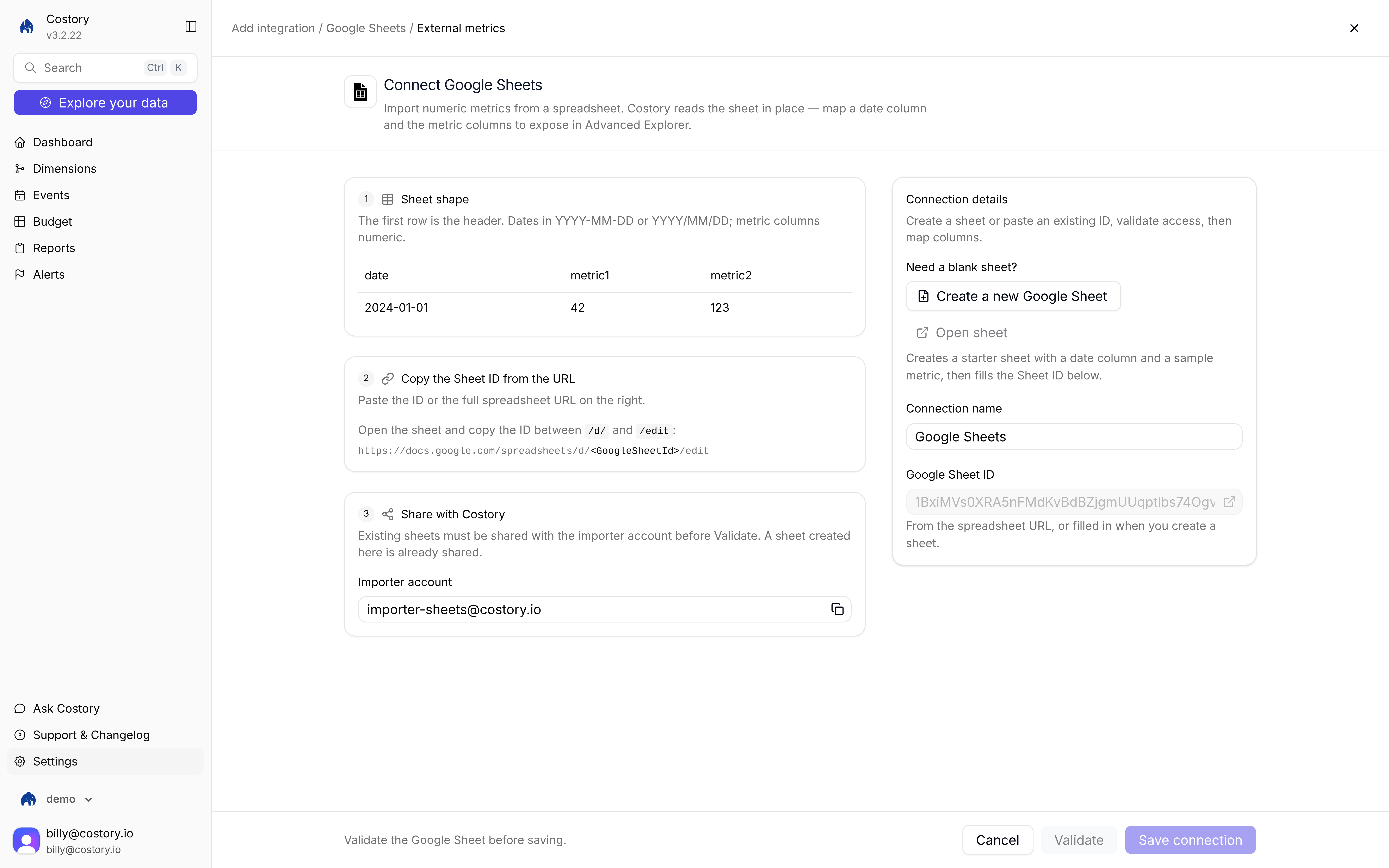
Connect Google Sheets: sheet shape on the left, Connection details on the right
- Manual setup
- Terraform
1
Open the Google Sheets tile
Go to Integrations, click + Add integration, then under External metric choose Google Sheets. The connect URL is
/integration/new/google-sheets/external-metrics. 2
Shape the sheet
The first row is the header. Dates must be
YYYY-MM-DD or YYYY/MM/DD. Metric columns must be numeric.3
Paste the Sheet ID
Paste the Sheet ID or the full spreadsheet URL in Connection details. Copy the ID from the sheet URL, between
/d/ and the next /.4
Share the sheet
Share the spreadsheet with
importer-sheets@costory.io. Sheets created in-app are already shared. 5
Create a starter sheet (optional)
Click Create a new Google Sheet to make a starter sheet with a date column and a sample metric. Costory fills the Sheet ID for you.
6
Validate, then map columns
Click Validate. Success looks like: Validation succeeded. Sheet headers loaded. Matching date and numeric columns were pre-selected.Map Metrics columns (columns Costory reads as metrics) and Date column. Costory checks that metric columns are Numeric and that dates look valid.
7
Save the connection
Click Save connection. The source appears under Integrations > Data sources with the Metrics badge.
After you save
On the source row menu you can:- View metric
- Rename
- Edit definition
- Create formula
- Delete
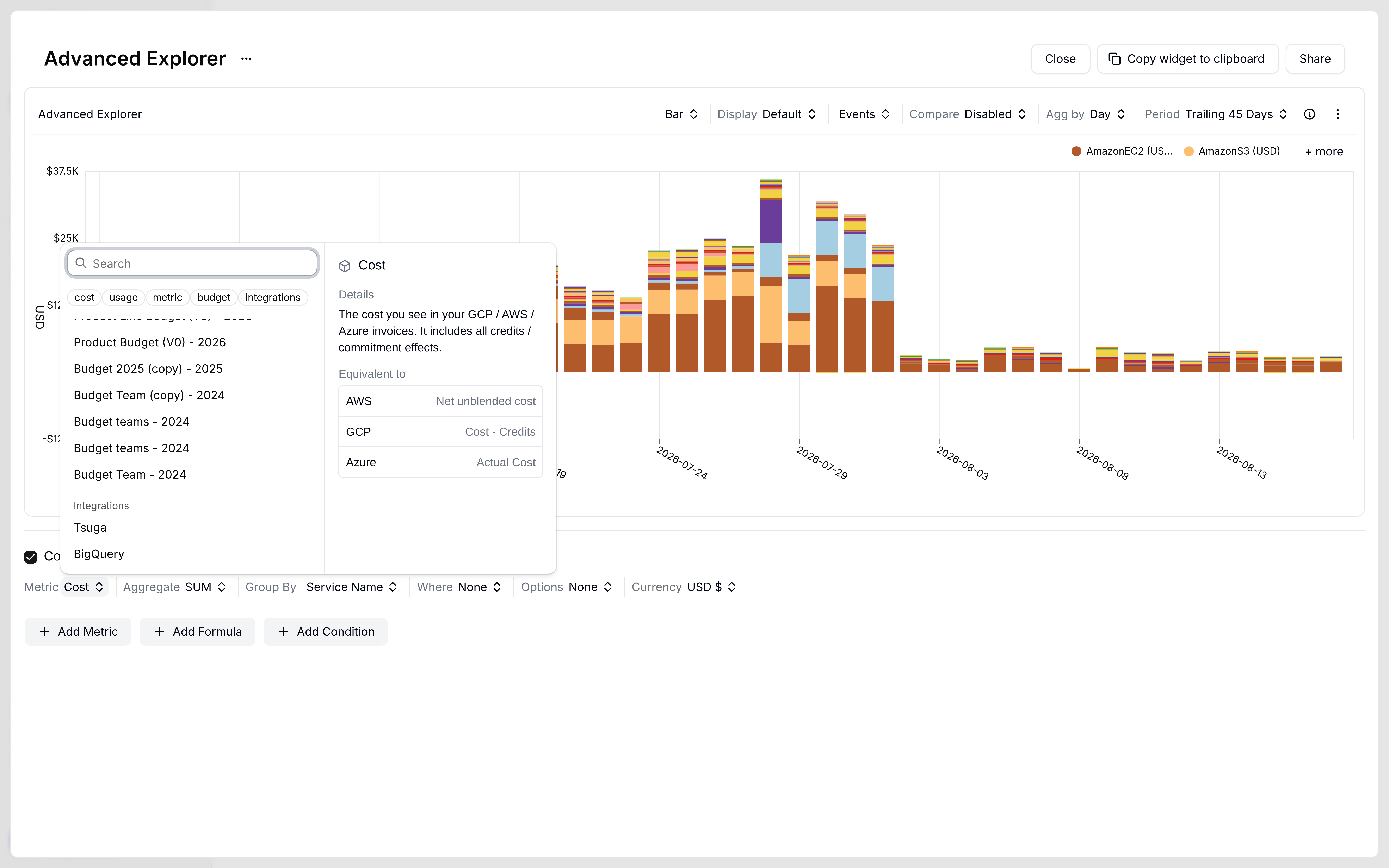
Metric picker chips: cost, usage, metric, budget, and integrations
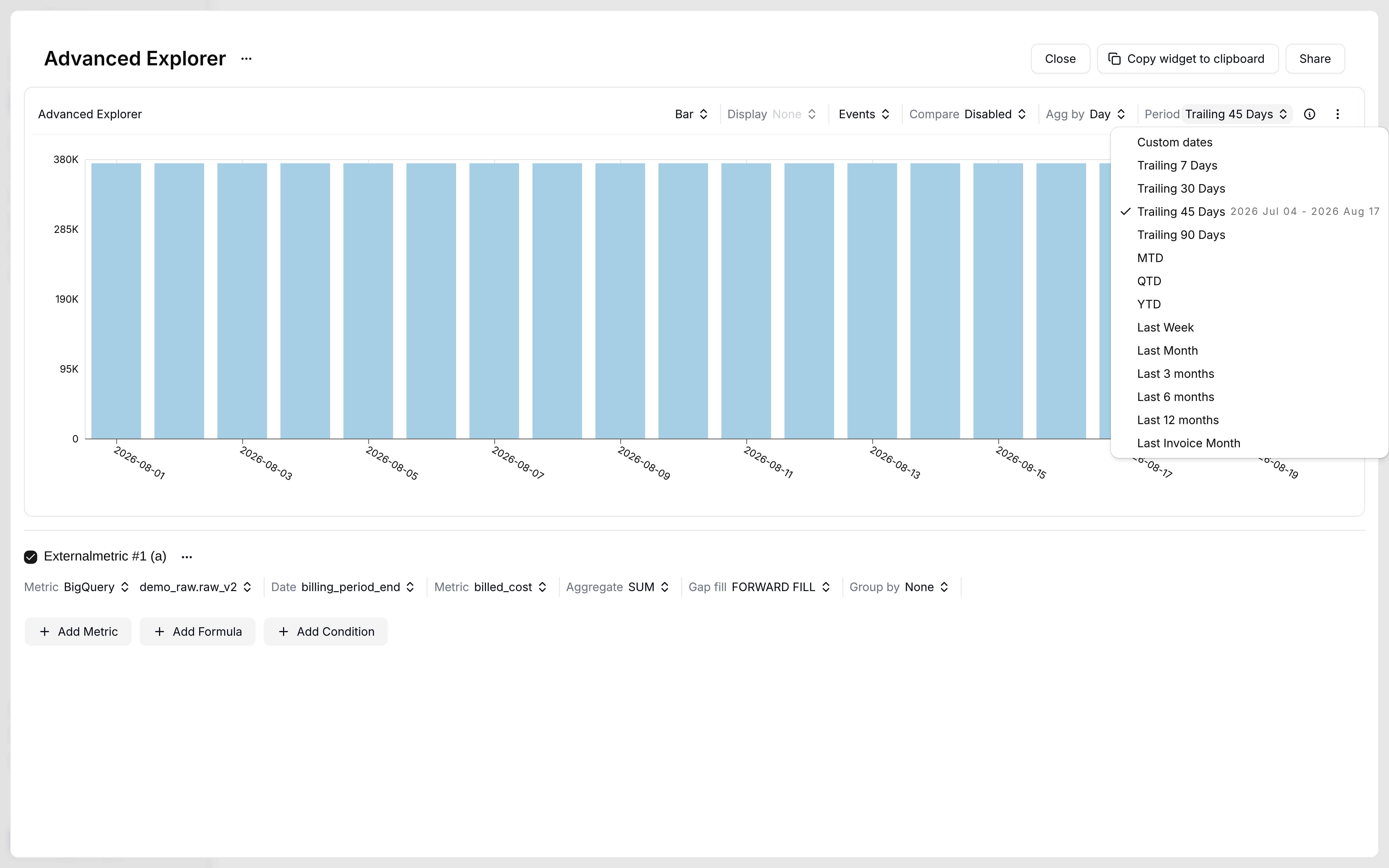
Period dropdown with Trailing 45 Days selected
Save connection stays disabled until validation succeeds.
Related pages
Metrics Correlation
All external metric sources and the Explorer query path.
Unit Economics
Divide cloud cost by a Sheets metric.
BigQuery
Query warehouse tables live instead of a spreadsheet.
Shared Cost Allocation
Split shared costs with a usage metric.